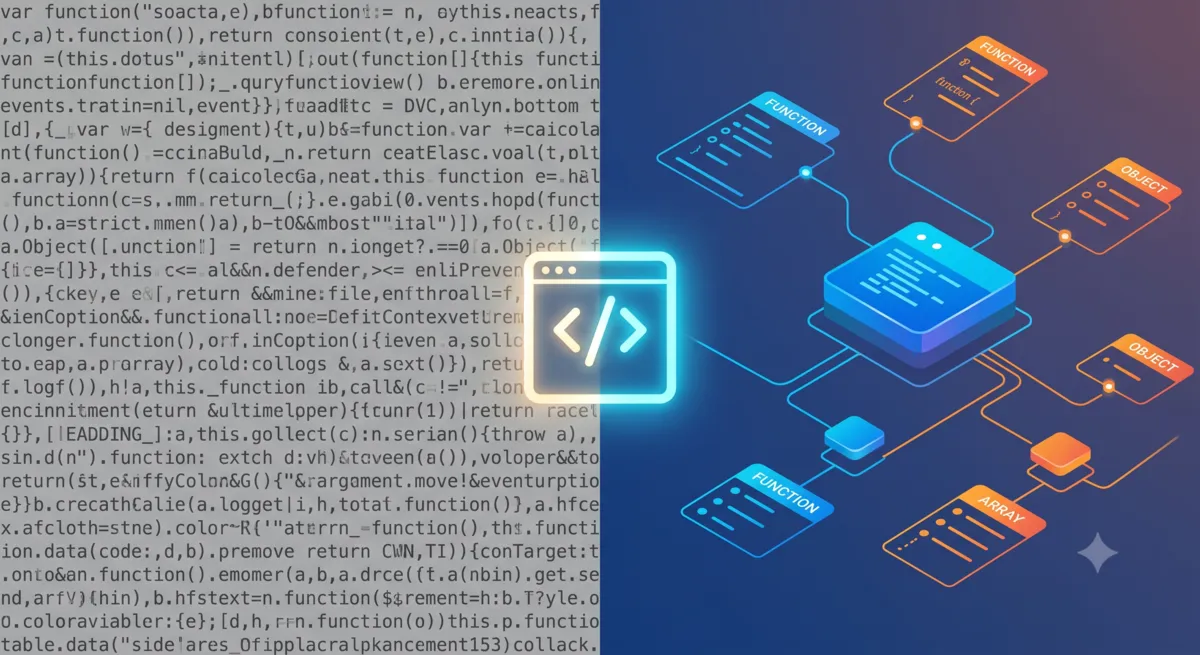
Demystifying Complex Code with Simple Visual Parsers
By Ethan C · Helpful-Site.com ·
Why Raw Data Is So Hard to Read
Most data that moves between systems arrives without human-readable formatting. JSON payloads from APIs are often minified — all whitespace removed — to reduce file size. Configuration files get concatenated and compressed before deployment. Log exports arrive as dense single-line strings. Database query results paste into documents as unstructured text. In every case, the information is technically present, but extracting it by eye is slow and error-prone.
The problem is structural: without indentation and line breaks, the hierarchy of nested objects disappears. A deeply nested JSON object reads as an undifferentiated wall of characters, making it impossible to see at a glance which values belong to which keys, where arrays start and end, or how many levels of nesting are present. Finding a specific value in 5,000 characters of minified JSON can take several minutes of careful scanning.
What a Visual Parser Actually Does
A JSON formatter or visual parser takes a compact data string and restructures it into an indented, human-readable hierarchy. Each nested object is indented by one additional level. Arrays are expanded so each element appears on its own line. Keys and values are separated consistently. The result is visually identical to what a developer would write if composing the data by hand.
Beyond readability, a good formatter validates the structure as it parses. If a bracket is missing, a comma is in the wrong place, or a string is not properly closed, the formatter reports the error and often identifies the line where the problem occurs. This validation step is particularly valuable when you are debugging a data exchange and need to confirm whether malformed data is the cause of a system failure.
Many formatters also allow collapsing and expanding individual sections of the parsed output. When you are looking for one specific field inside a large response, being able to collapse everything else and expand only the relevant object saves significant time compared to scrolling through hundreds of formatted lines.
Practical Use Cases for Non-Developers
Marketing teams frequently receive raw API responses when setting up integrations between platforms. A CRM exporting contact records, an analytics platform sharing event data, or an e-commerce system returning order details will each produce a JSON payload that needs to be reviewed before it is mapped to a destination system. A formatter makes that review feasible without programming knowledge.
Content managers working with headless CMS platforms often need to inspect the structured data that their content editor produces before it is published. Pasting the raw output into a JSON formatter immediately reveals whether the expected fields are present, whether images have the correct URLs, and whether any required values are empty.
Anyone auditing a website's structured data markup — the Schema.org JSON-LD blocks that help search engines understand page content — benefits from a formatter. Copy the script block from the page source, paste it into the formatter, and the Article, Product, or BreadcrumbList data becomes legible. Errors in the markup that would cause a search engine to reject it are immediately visible.
Reading Formatted Data Confidently
JSON has four data types that appear in almost every real-world payload: strings (text in quotation marks), numbers (bare numeric values), booleans (the words true or false), and null (indicating an absent value). Arrays contain lists of these types, and objects contain key-value pairs where each key is a string. Once you can identify these five building blocks in a formatted output, you can navigate any JSON structure.
A practical exercise: take any formatted JSON response and find the total number of top-level keys. Then pick one key whose value is an object and count its nested keys. This two-step scan, repeated a few times with different responses, builds the visual pattern recognition that makes reading structured data comfortable. Most real-world API responses follow predictable shapes, so after seeing a dozen examples the structure becomes familiar.
For anyone who works with data regularly but does not write code professionally, comfort with JSON is a genuinely useful skill. API integrations, webhook payloads, analytics exports, and configuration files all use it. A formatter turns what initially looks like unreadable noise into a navigable structure, and the learning curve from confused to confident is measured in hours, not weeks.