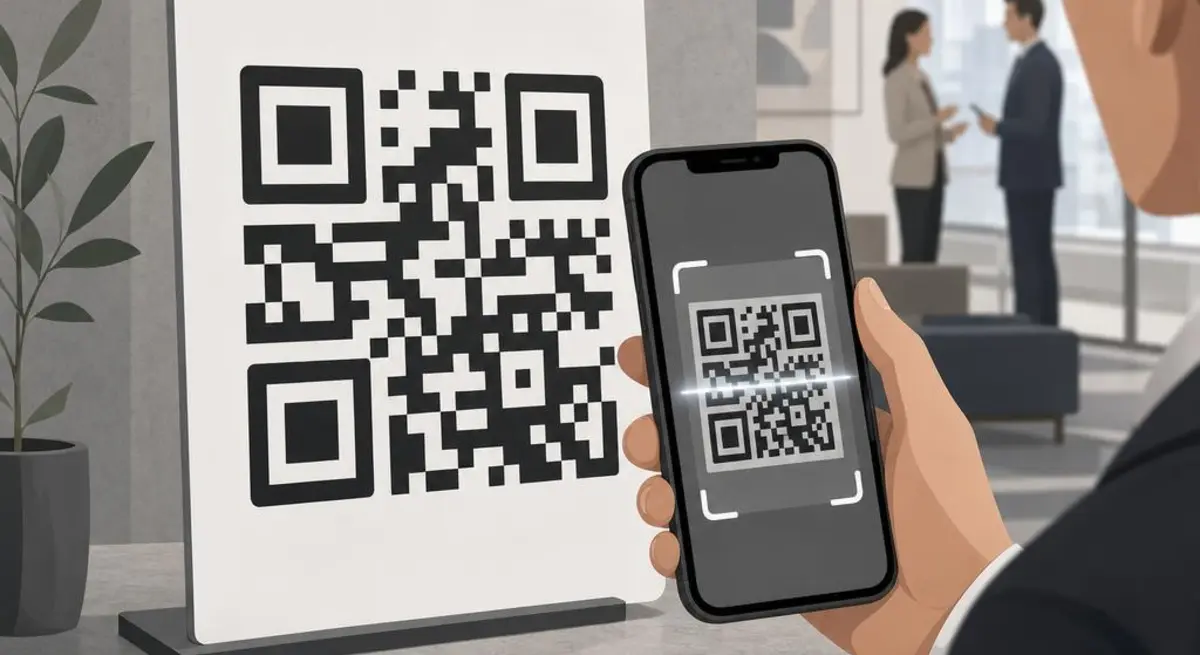
How to Use a QR Code Generator for Your Business
By Helpful-Site Editorial Team · · Updated
Why QR Codes Work Better Than Typed URLs
Typing a URL from a printed surface is error-prone and slow. Even a twelve-character URL requires accurate character-by-character transcription, and longer URLs are effectively unusable in print. QR codes solve this by encoding any URL (or other data) in a scannable image that any smartphone camera can decode in under a second. The friction of bridging from physical to digital — a menu, a poster, a business card, a product label — drops close to zero.
The scanning habit has been normalised since COVID-era restaurant menus made QR codes ubiquitous. Most smartphone users under fifty now scan without hesitation when a QR code is visible. This makes QR codes a practical tool for any printed material where you want users to take a digital action: visiting a website, downloading an app, following a social account, or submitting a form.
What You Can Encode Beyond a Simple URL
QR codes can encode any text string, not just URLs. Common use cases beyond website links include plain text (a short message or product description), email pre-filled with a subject and recipient, SMS messages, phone numbers for click-to-call, Wi-Fi network credentials, and vCard contact information. Each of these triggers a different action when scanned — opening an email compose window, dialling a number, connecting to Wi-Fi — without requiring the user to type anything.
For small businesses, the most practical non-URL use cases are Wi-Fi access sharing (encode your guest network SSID and password so visitors can connect with a scan rather than asking a staff member) and contact cards (encode your business name, phone, email, and website in vCard format so a scan adds your details directly to the scanner's contacts).
Dynamic QR codes, offered by some generators, allow you to change the destination URL after the code has been printed. A static QR code encodes the destination permanently; changing the destination requires printing a new code. Dynamic codes redirect through a server and can be updated at any time. They also support scan tracking — you can see how many times and from where the code was scanned, which turns a QR code into a measurable marketing channel.
Design Considerations for Readable, Branded QR Codes
QR codes have built-in error correction that allows them to remain scannable even when up to thirty percent of the code is obscured or distorted. This is why you can place a logo in the centre of a QR code without preventing it from working — the error correction reconstructs the obscured data. Most generators offer a logo overlay option for this reason, allowing you to brand the code with your company mark.
Contrast is the critical design constraint. QR codes require sufficient contrast between the dark modules and the light background to be detected by a camera. Black on white is the maximum contrast and always reliable. Dark colours on light backgrounds also work. Light colours on dark backgrounds, very similar tones, or gradient backgrounds can cause scan failures in bright lighting or at certain angles. If you use a custom colour scheme, test the code with multiple devices and in varied lighting before printing.
Quiet zone — the white border around the edge of the code — is required for reliable scanning. Many design tools that let you embed a QR code in artwork accidentally crop or eliminate the quiet zone, which can render the code unscannable. Maintain at least four module-widths of clear space around all four edges of the code.
Deploying QR Codes Effectively in Business Contexts
Size matters for reliable scanning. At a distance of ten centimetres (typical for a business card held in hand), a QR code needs to be at least 2.5 centimetres square to scan reliably. At thirty centimetres (a seated diner reading a table menu), at least three centimetres. For posters viewed from one metre away, the minimum size is approximately five to six centimetres. Print codes larger than the minimum for each expected viewing distance.
Always test the printed QR code before distributing materials in quantity. Print a proof, scan it with multiple devices and camera apps, and confirm it reaches the intended destination. Printing 500 flyers with a QR code that does not scan, or that points to the wrong URL, is an expensive mistake that is entirely preventable.
Pair every QR code with a brief call to action and, where space allows, the plain URL. 'Scan to see our full menu' tells the scanner what they will get. A visible URL below the code serves users who prefer to type, provides a fallback if the code does not scan, and signals that the destination is legitimate rather than a phishing attempt — which increases the proportion of people who scan it.
Sources and review
This guide was checked against the references below. Guidance is general information, not professional medical, financial, legal, or security advice.
Related guides
Continue with practical advice related to this topic.