How to Write Better Documents with Markdown
By Helpful-Site Editorial Team · · Updated
What Markdown Is and Why It Became Universal
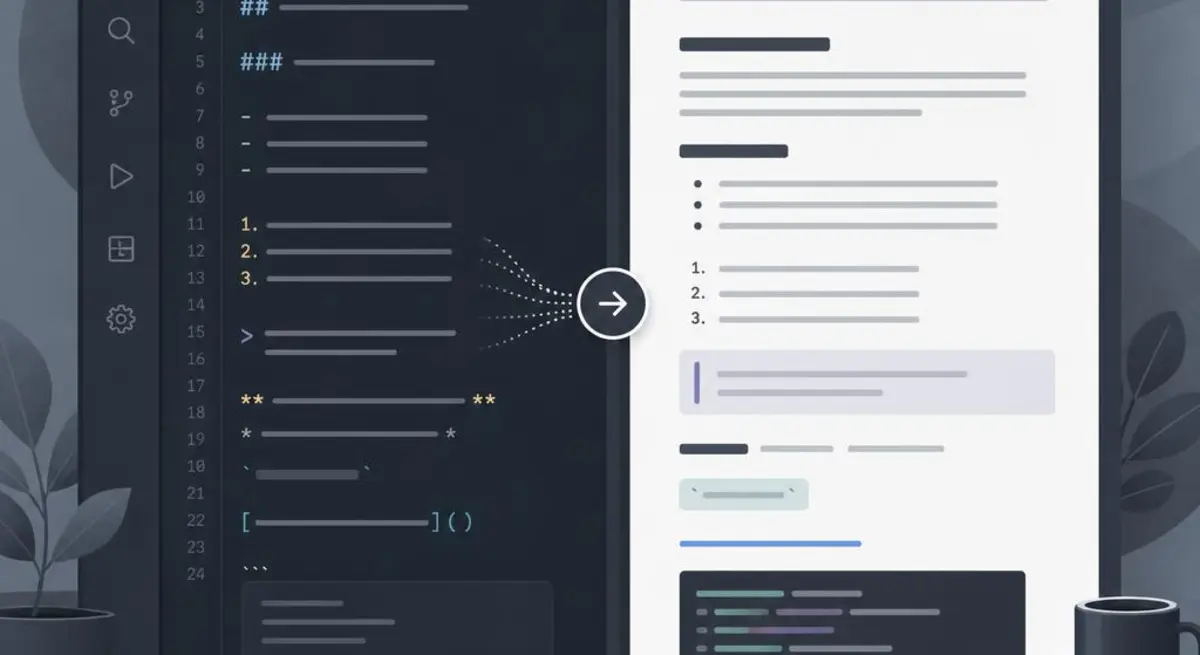
Markdown is a lightweight markup language that uses plain text symbols to indicate formatting. A hash symbol at the start of a line creates a heading. Asterisks around a word make it bold or italic. A hyphen at the start of a line creates a bullet point. The formatted output looks clean and structured; the source text remains readable even before it is rendered.
Markdown was created in 2004 and has since been adopted by virtually every major writing and development platform: GitHub, GitLab, Notion, Obsidian, Reddit, Stack Overflow, Slack, Discord, and hundreds of others all render Markdown. A document written in Markdown can be copied between platforms and rendered correctly without reformatting. That portability is the primary reason it became the default format for technical writing and increasingly for general knowledge management.
The Core Syntax You Will Use Every Day
Headings use hash symbols: one hash for a top-level heading, two for a second-level, three for a third. Bold text uses double asterisks on each side: **bold**. Italic uses single asterisks: *italic*. Strikethrough uses double tildes: ~~strikethrough~~. These five formatting marks handle the majority of document structure.
Lists use hyphens or asterisks for unordered items and numbers followed by a period for ordered lists. Nested lists are created by indenting the sub-items with two or four spaces. A horizontal rule — a dividing line between sections — is three or more hyphens on their own line. A block quote is a greater-than symbol at the start of a line.
Links use square brackets for the display text followed immediately by the URL in parentheses: [link text](https://example.com). Images use the same syntax with an exclamation mark at the start: . Inline code uses single backticks around the code. Code blocks use triple backticks, optionally followed by the language name for syntax highlighting.
Practical Uses Beyond Developer Documentation
Meeting notes written in Markdown export cleanly to any platform. A note with a heading for the meeting title, a list of attendees, a second-level heading for agenda items, and a third for action items with an owner and date produces structured documentation that can be pasted into Notion, emailed as a text file, or committed to a repository without losing its structure.
Knowledge bases and personal wikis benefit enormously from Markdown's portability. When you write notes in a proprietary format, you are dependent on that tool's continued existence and pricing. Markdown files are plain text that any text editor can open, which means your notes are readable and editable regardless of which application you are using or whether that application still exists in five years.
Email does not render Markdown, but writing emails in Markdown first produces cleaner drafts. Starting with your structure — headings for sections, bullets for lists — and then removing the symbols before sending forces you to think in hierarchy before thinking in prose. The result is email that is easier for the recipient to scan and respond to.
Previewing Markdown Before You Publish
A Markdown preview tool renders your source text as formatted output in real time, so you can see exactly how the document will appear before you post or publish it. This is particularly useful for catching formatting errors — a missing closing asterisk that leaves the rest of the document italicised, a code block that did not close correctly, or a link syntax error that renders as plain text instead of a hyperlink.
Preview tools also reveal whether your document structure communicates what you intend. A heading hierarchy that looks logical in source text sometimes reveals gaps or inconsistencies when rendered. Seeing the formatted output while editing allows you to adjust before the document is in front of a reader.
For anyone new to Markdown, using a live preview tool alongside the source text is the fastest way to learn the syntax. Edit the source, watch the output update immediately, and the connection between the symbol and its rendered output becomes intuitive within a single session. The entire core syntax can be learned this way in under thirty minutes.
Sources and review
This guide was checked against the references below. Guidance is general information, not professional medical, financial, legal, or security advice.
Related guides
Continue with practical advice related to this topic.