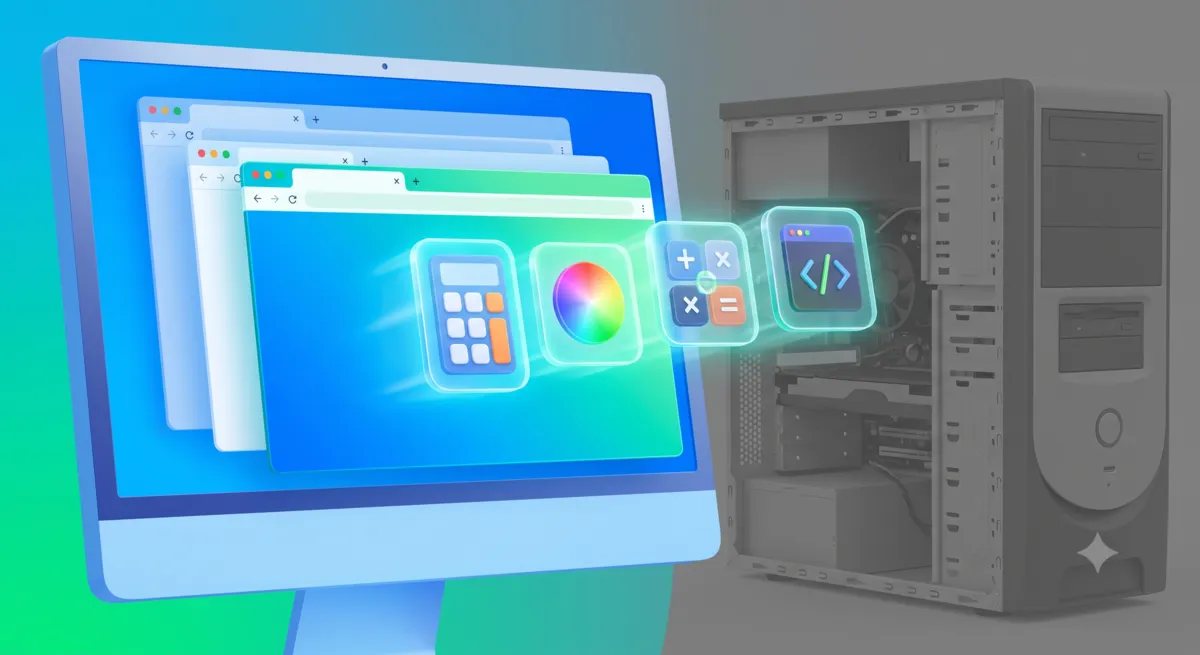
The Ultimate Beginner Guide to Browser Utilities
By Ethan C · Helpful-Site.com ·
What Are Browser Utilities and Why Should You Use Them?
Browser utilities are single-purpose web applications that run entirely inside your browser tab. They do one thing — convert units, format JSON, count characters, generate passwords, sort lists — and they do it without requiring a download, an installation, or an account. The computation happens on your device, and the result appears instantly.
The appeal is practical: most desktop software designed for these tasks is overkill. You do not need a full productivity suite to convert kilometers to miles, or a licensed image editor to check pixel dimensions. A browser tool handles each of those jobs in seconds, and when you are finished, you simply close the tab. Nothing is installed, nothing is updated, and nothing slows down your operating system.
The Most Useful Categories of Browser Tools
Text tools cover the most common daily needs: character and word counters for writers working to platform limits, case converters for cleaning up inconsistent headings, whitespace removers for pasted content that arrived with double spaces or trailing line breaks, and text diff tools for comparing two versions of a document side by side.
Conversion tools handle unit and currency conversion across every measurement system. A freelancer quoting a project to a client in a different country, or an engineer switching between metric and imperial specifications, can get an accurate conversion in two or three seconds without switching applications.
Developer tools serve non-technical users too. A JSON formatter turns an unreadable raw API response into indented, color-coded output that anyone can scan for a specific value. A Base64 encoder decodes strings that appear in email headers or authentication tokens without requiring any programming knowledge. A URL encoder turns a string with special characters into a properly formatted web address.
Generator tools create things that would otherwise take time to construct manually: strong random passwords, placeholder text for design mockups, UUIDs for database records, and hash values for verifying file integrity.
How to Replace Desktop Apps With Browser Equivalents
The practical approach is to replace one tool at a time rather than overhauling your workflow at once. Start by identifying the desktop application you open least frequently but still rely on. If you launch a unit converter once a week, a browser version is a direct replacement with zero downside. Move to browser-first for that task and uninstall the desktop version after a month if you have not missed it.
Bookmark the browser tools you use regularly. Most browsers let you group bookmarks into a folder — a simple 'Tools' folder in your bookmarks bar puts everything one click away. Because browser utilities work across all devices and operating systems, the same set of bookmarks works whether you are on your work laptop, a personal computer, or a borrowed machine.
One practical advantage that becomes obvious quickly: browser tools are always up to date. There is nothing to patch, no license to renew, and no version incompatibility when you get a new device. The tool works the same way it did yesterday and will work the same way tomorrow.
Privacy, Speed, and the Case for Client-Side Processing
The best browser utilities process everything locally, which means your input data never leaves your device. That matters when you are working with sensitive text — a confidential document, a client's personal data, a password you are about to rotate. A tool that sends your input to a remote server is categorically different from one that runs the computation in your browser tab.
When evaluating a browser tool, look for a clear privacy notice stating that no data is transmitted. Tools on reputable sites that handle sensitive inputs like passwords should be explicit about this. Local processing is also faster: there is no round trip to a server and back, so the result appears as fast as your device can compute it.
Speed adds up across a full working day. Replacing a desktop application that takes ten seconds to launch with a browser tab that opens instantly might seem trivial, but repeated dozens of times a week it becomes a meaningful reduction in friction. The cumulative effect of small efficiency gains is one of the underappreciated benefits of switching to browser-first tools.